Editable Birthday Gift Tags Template | Colorful Candle Printable Gift Tags | Edit in Canva
Editable Birthday Gift Tags Template | Colorful Candle Printable Gift Tags | Edit in Canva
Couldn't load pickup availability
Add a colorful finishing touch to any birthday gift with these editable birthday gift tags featuring a festive candle design! Personalize the tags easily in Canva, then download, print, cut, and attach to your gifts.
Perfect for birthday presents, party favors, treat bags, classroom gifts, and more, this reusable Canva template makes it easy to create personalized gift tags whenever you need them.
WHAT YOU’LL RECEIVE
- Editable birthday gift tag Canva template
- Colorful birthday candle design
- Easy-to-personalize To: and From: fields
- Printable tag sheets
- Instant digital access
- Edit, download, and print from home
EDIT IN CANVA
Customize your tags using Canva's easy-to-use editor. Update the text to personalize your tags, then download and print as many as you need for personal use.
PERFECT FOR
Birthday gifts • Party favors • Treat bags • Gift baskets • Classroom birthdays • Coworker gifts • Kids and adults
HOW IT WORKS
Purchase → Open in Canva → Personalize → Download → Print → Gift!
No design experience needed. Simply open your template in Canva, add your personal touches, and print as many as you need for personal use.
Please Note: This is a digital product. No physical item will be shipped. Colors may vary slightly depending on your screen and printer settings.
The gift tag will be provided in US letter size (8.5x11 inch) with 9 2x3.5 inch tags on it. After printing simply follow the lines to cut out the design.
Due this being a digital product, we do not offer refunds. However, If do have an issue please contact us so we can help resolve any problems.
**********
Download Via Email
1. Check the email inbox linked to your order.
2. Look for an email from us titled “Your download is ready.”
3. Click the link inside to download your files directly.
________________________________________
✨ Editing in Canva ✨
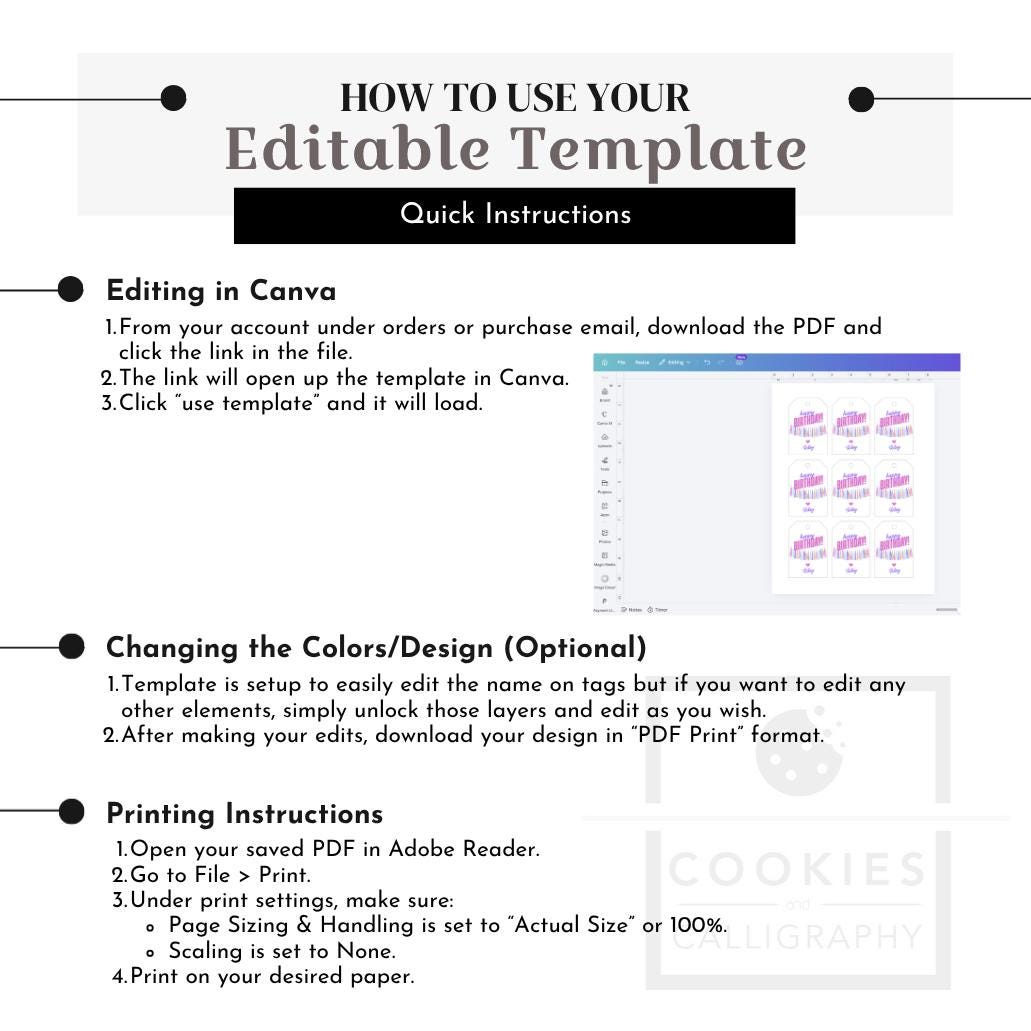
1. From your account under orders or purchase email, download the PDF and click the link in the file.
2. The link will open up the template in Canva.
3. Click “use template” and it will load.
________________________________________
🔤 Changing the Colors/Design (Optional)
1. Template is setup to easily edit the name on tags but if you want to edit any other elements, simply unlock those layers and edit as you wish.
2. After making your edits, download your design in “PDF Print” format.
________________________________________
🖨 Printing Instructions
1. Open your saved PDF in Adobe Reader.
2. Go to File > Print.
3. Under print settings, make sure:
o Page Sizing & Handling is set to “Actual Size” or 100%.
o Scaling is set to None.
4. Print on your desired paper.
PLEASE NOTE:
Print quality will depend on the type of printer and paper used.
We recommend using a photo printer and 80-120 lb. card stock.
Printed colors may vary due to differences in monitor and printer calibrations.
**********
This purchase is for PERSONAL USE ONLY, commercial use is prohibited. You are not permitted to resell, distribute or share this file (in both its original or any amended format).
©CookiesandCalligraphy | All rights reserved
Share